
Crop.
Watermark.
Resize.
One app for all your images.
ImgDesk handles your image workflows instantly — process entire folders, preview every change live, and save the results with a single click. Fully offline. No subscription.
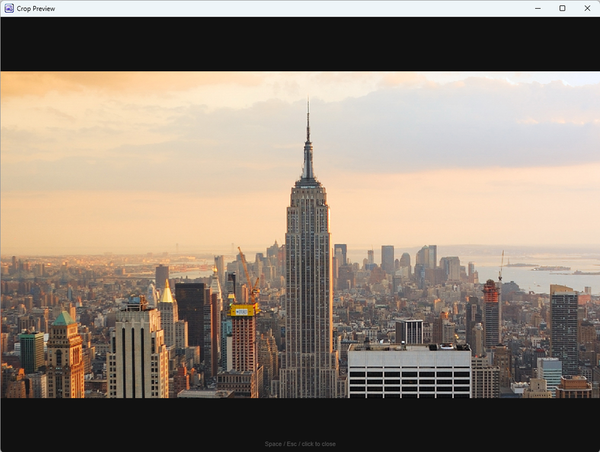
Crop any image,
exactly how you need it.
Draw the crop area with your mouse, fine-tune it by pixel, set a precise cut position — then preview the result before saving. ImgDesk stores every cropped image in a clean output folder automatically.




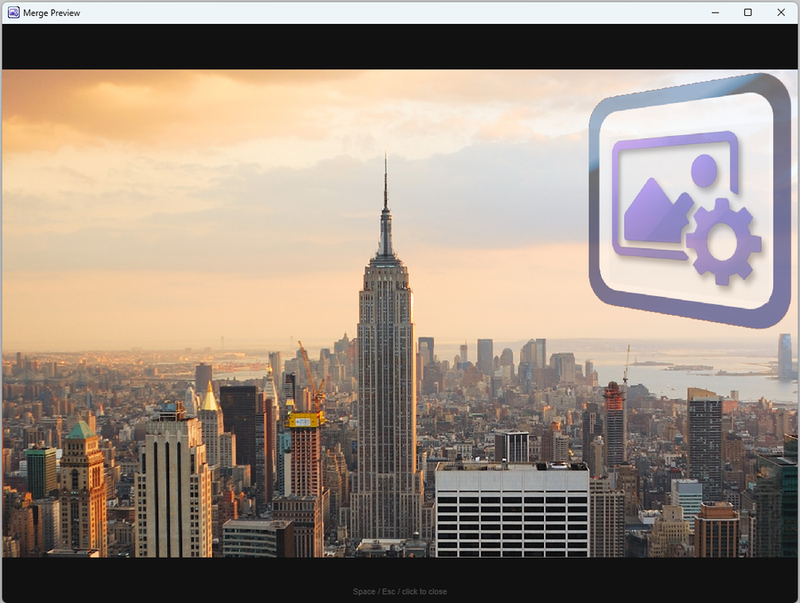
Stamp every photo
with your brand.
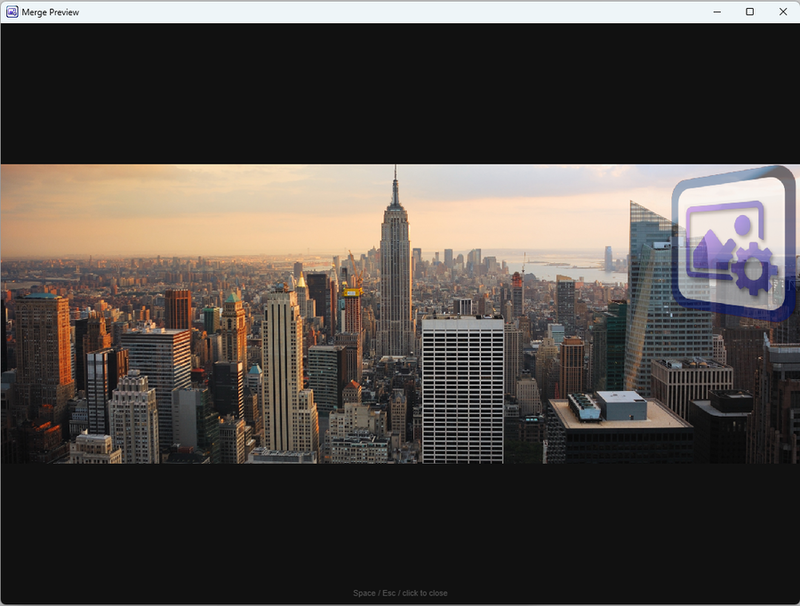
Select your watermark image, position it anywhere, adjust tilt and opacity — then apply it to a single image or every file in the folder at once. Preview before you commit.




Right size, right weight.
Every time.
Set the target dimensions, keep or override the aspect ratio, and optionally reduce quality to shrink file sizes. Apply to one image or a whole folder — ImgDesk does the rest.


Everything your images need,
in one desktop app.
No cloud upload. No subscription. No internet required. Just install and get to work on Windows.